Dust on electronics is not primarily a cosmetic issue. Every device with a vent relies on airflow to keep its components within a safe temperature range, and dust blocking those vents makes it run hotter, work harder and fail sooner. The visible surfaces matter least; the grilles, the fans and the space behind the unit matter most.
What should you do before you start?
Switch everything off and unplug it where practical, both for safety and because a fan pulling air while you clean simply draws the dust further in. Give anything that has been running a few minutes to cool. Take a photograph of the cable arrangement at the back before you disturb it, which saves a great deal of guesswork later.
What is the right method?
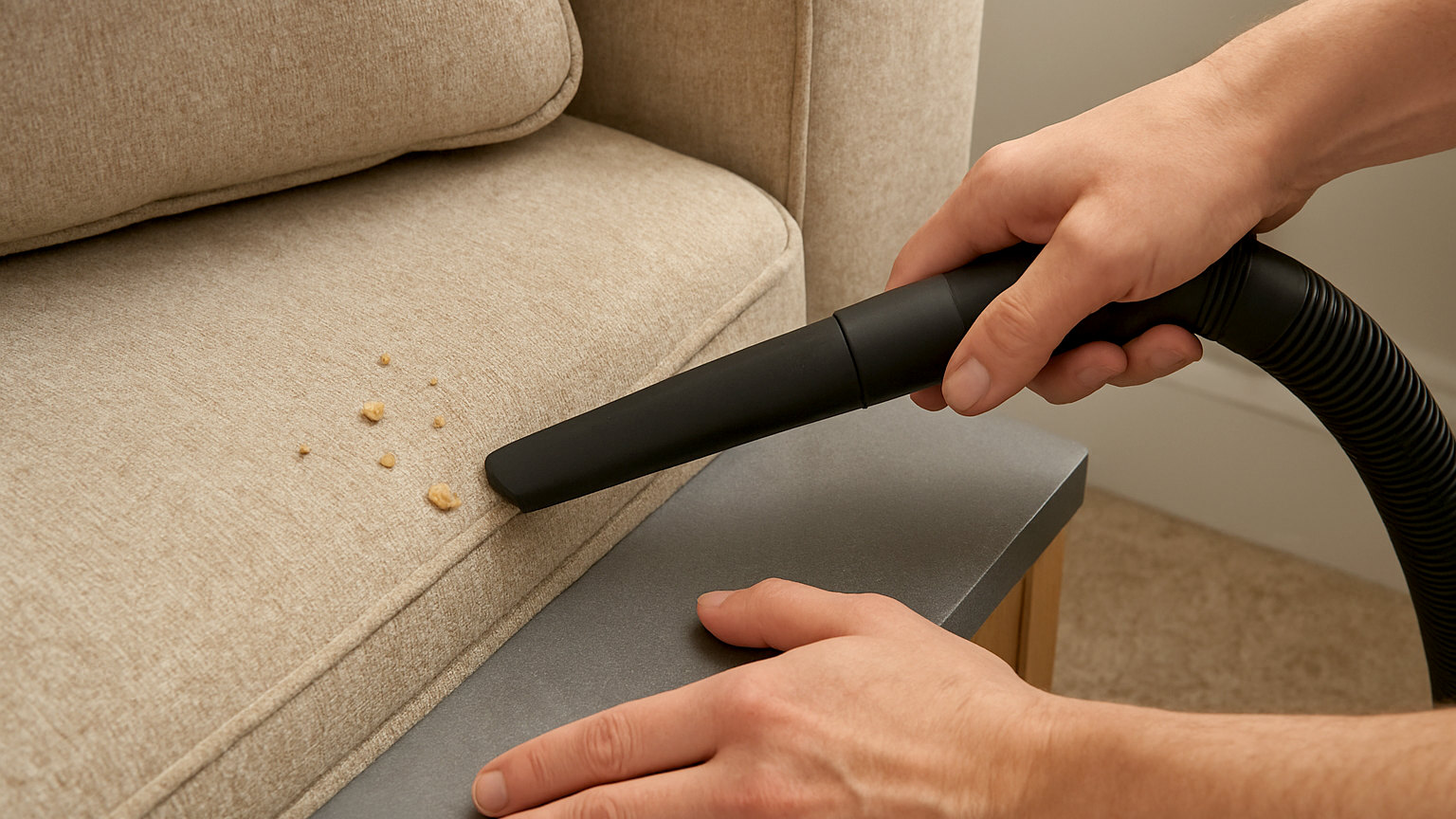
- Vacuum the vents and grilles with a soft brush attachment on reduced suction, holding the brush close without pressing into the mesh.
- Wipe flat surfaces with a dry microfibre cloth, or a barely damp one for the outer casing of a unit with no openings on that face.
- Use a can of compressed air on fan grilles and ports, in short bursts and from a few inches away, ideally outdoors or with a window open so the dust leaves the room.
- Clean the space the equipment sits in, since dust on the shelf is drawn straight back into the vents.
- Leave everything to sit for a few minutes before switching back on if you used any moisture at all.
Which parts are most often missed?
The underside and rear vents of a games console or set top box, the fan grille on the back of a television, the top of a soundbar, the gap behind a media unit, and the power block on a games console or laptop charger, which generates heat and is usually sitting in a drift of dust on the floor.
The fan inside a games console is a common cause of sudden noise. Surface cleaning and compressed air through the vents helps; opening the case is usually not worth the warranty risk.
Is compressed air safe?
Used properly, yes. Keep the can upright, because tilting it can release liquid propellant, and use short bursts rather than a continuous blast. Do not spin a fan with compressed air, since a fan driven backwards at high speed can generate a current that damages the circuit it is attached to. Holding the fan blade still with a cocktail stick while you blow the dust out avoids this.
What about static?
Static discharge can damage components, though the risk is low when cleaning the outside of assembled equipment. Avoid using a dry duster on internal parts, do not clean electronics while wearing a fleece on a dry winter day, and touch a radiator or another earthed metal object before handling anything with exposed circuitry.
How do you deal with the cables?
Cables behind a television or desk collect dust, tangle and make it impossible to clean the floor. The approach that works is to unplug everything, label each cable with masking tape and a pen as you disconnect it, clean the space properly, then reconnect with the cables bundled.
- Velcro ties rather than plastic zip ties, so the bundle can be opened when something changes.
- A cable tidy box for the extension lead and the power blocks, which keeps them off the floor and out of the dust.
- Adhesive clips along the back of the unit to hold cables clear of the floor.
- A short gap between the wall and the unit, which improves both airflow and access.
How often does it need doing?
Vents and grilles every three months, and more often in a house with pets or an open fire, where the volume of airborne fibre and ash is far higher. Surfaces whenever you dust the room. The full unplug and cable clean once a year is enough.
What are the signs it is overdue?
Fans running louder or more constantly than they used to, a device that feels hot to the touch, a set top box or console that restarts unexpectedly, or a laptop that throttles and slows under load. All of these point to a cooling problem, and dust is the most common and the cheapest cause to fix.